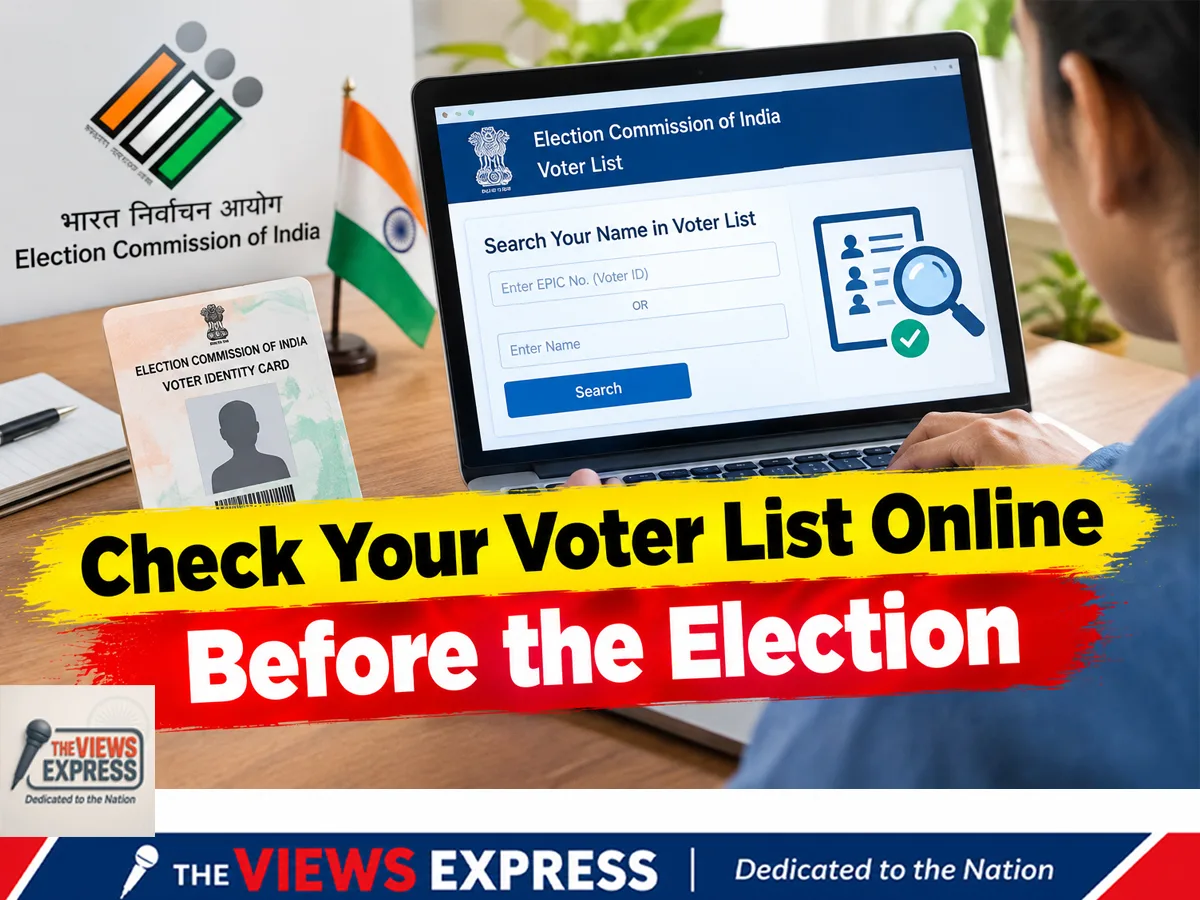

With voter list revisions drawing public attention, voters are being encouraged to check whether their names appear on the electoral roll. The process can be completed online using a mobile phone, the Election Commission’s official voter services portal or the Voter Helpline app.
How to check your name
Visit the Election Commission of India’s official voter services website or open the Voter Helpline app. Search using your EPIC voter ID number. If you do not have the number, try searching with your name and other requested personal details. Check that your name, constituency and other information match your records.
What if your name is missing?
First, contact your local Booth Level Officer (BLO) to understand why the name is missing and whether the electoral roll is being revised. For a fresh application to include your name, Form 6 is generally used. However, the correct procedure may depend on your circumstances and the current revision stage. Follow the Election Commission’s official instructions and check the applicable deadline before applying.
Keep the required supporting documents ready, including proof of age and residence, as specified in the official application guidelines. In West Bengal, voters should consult the Chief Electoral Officer’s website for the latest state-specific notices and revision updates.
Stay safe online
Use only official government websites and verified applications. Checking your name is free. Never share your OTP, password or sensitive information with unknown callers or unofficial websites.